

We get many feature requests (which is great) and some bug reports (which is not so great). There are always more things to do than we have capacity. This means there is a delay between us knowing about something and us actually changing the program.
When we complete something it is impossible for us to manually notify everyone. Instead you can automatically be notified of something of interest by following it.
Simply on the item you are interested in click the "follow" button on the top right hand of the screen.
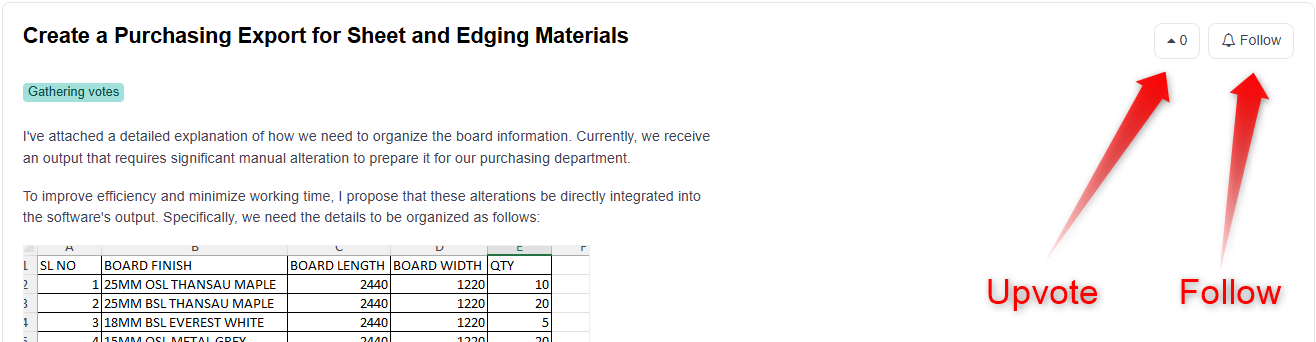
You will now be notified when a comment or status change happens to that item.
Where to submit or view feature requests
You can browse existing ideas, submit new feature requests, and follow items directly through our feedback portal:
👉 https://feedback.maxcutsoftware.com/
This helps us keep all feedback in one place and ensures you can stay up to date with changes that matter to you.