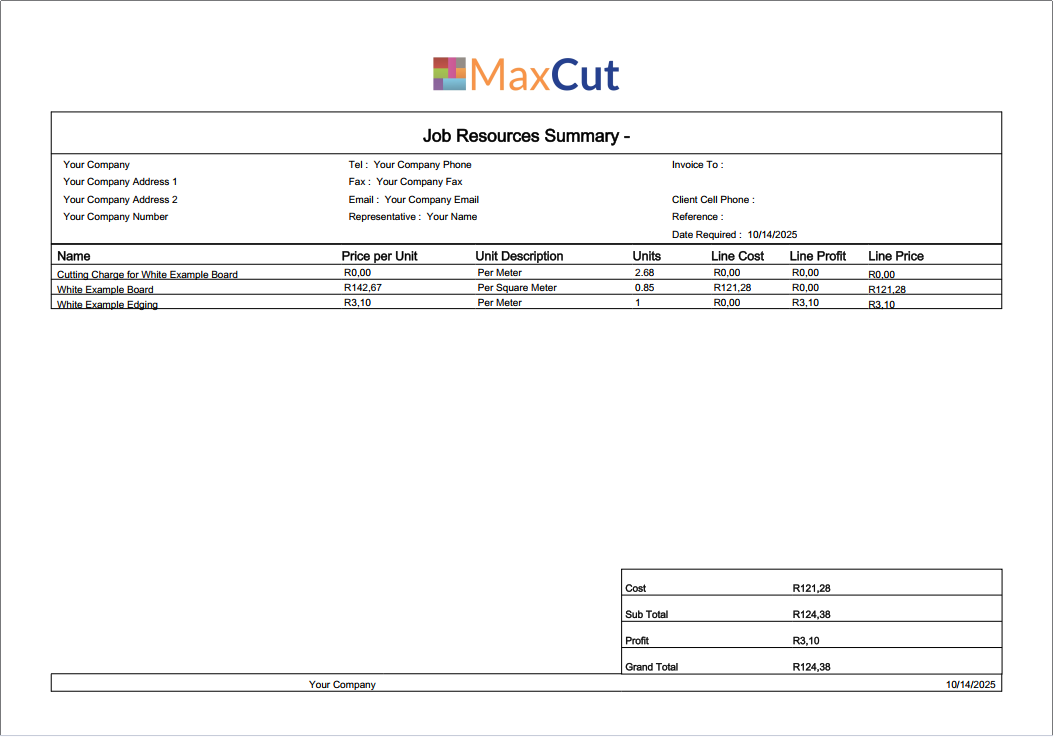

How to Add a Company Logo
Go to Settings > Print Settings.

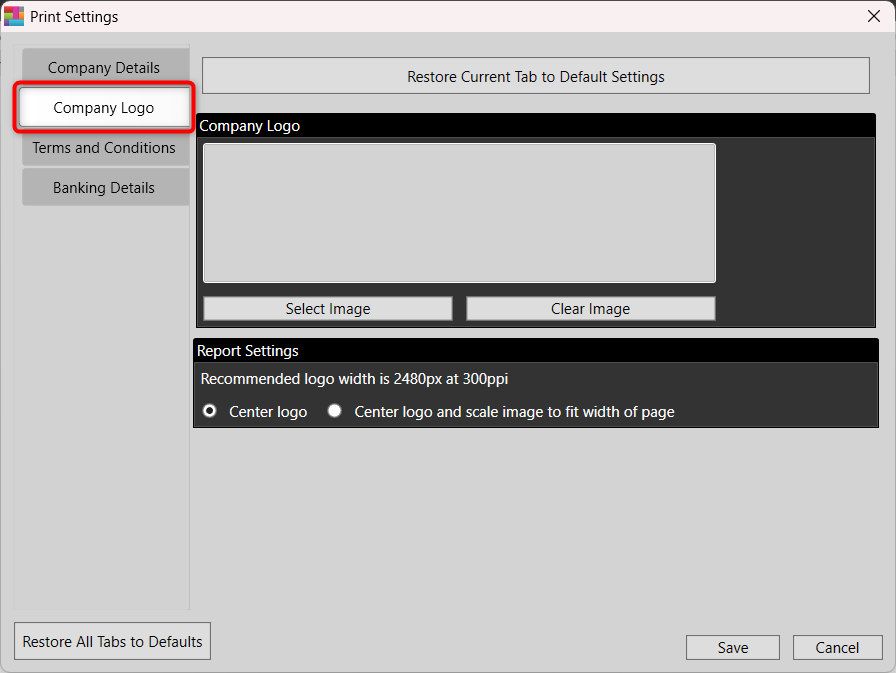
Click the Company Logo tab.
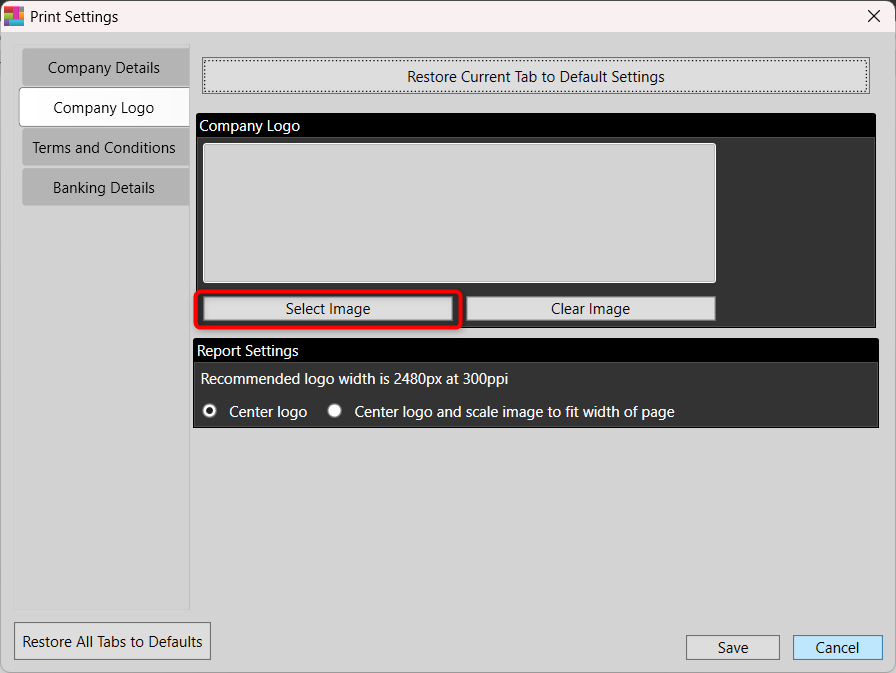
Click Select Image.
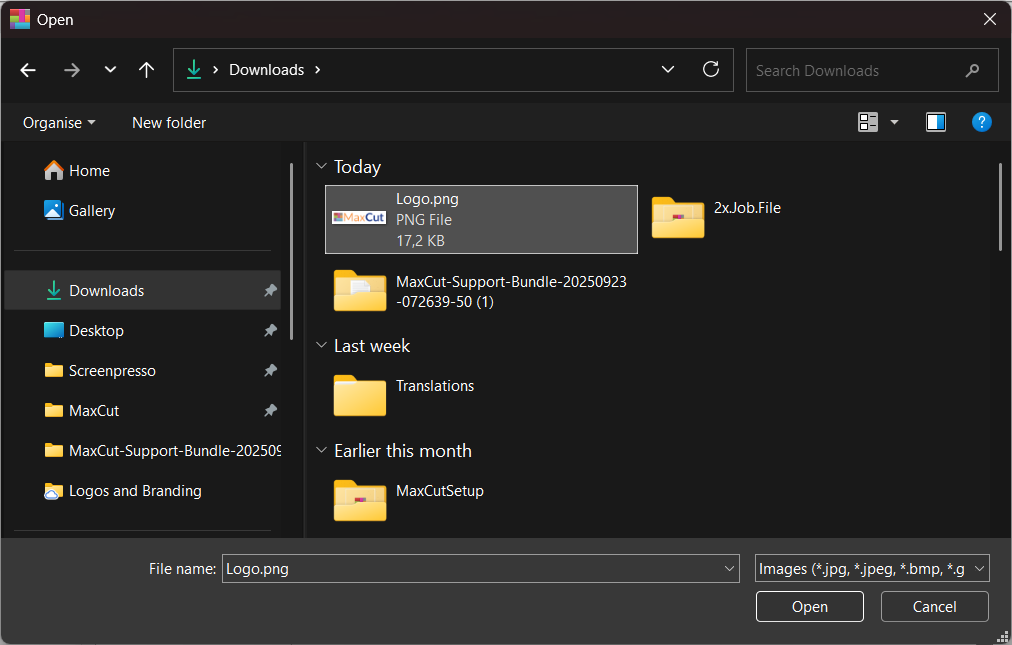
Choose your logo image from your computer. Double-click or select it, then click Open.
Click Save.
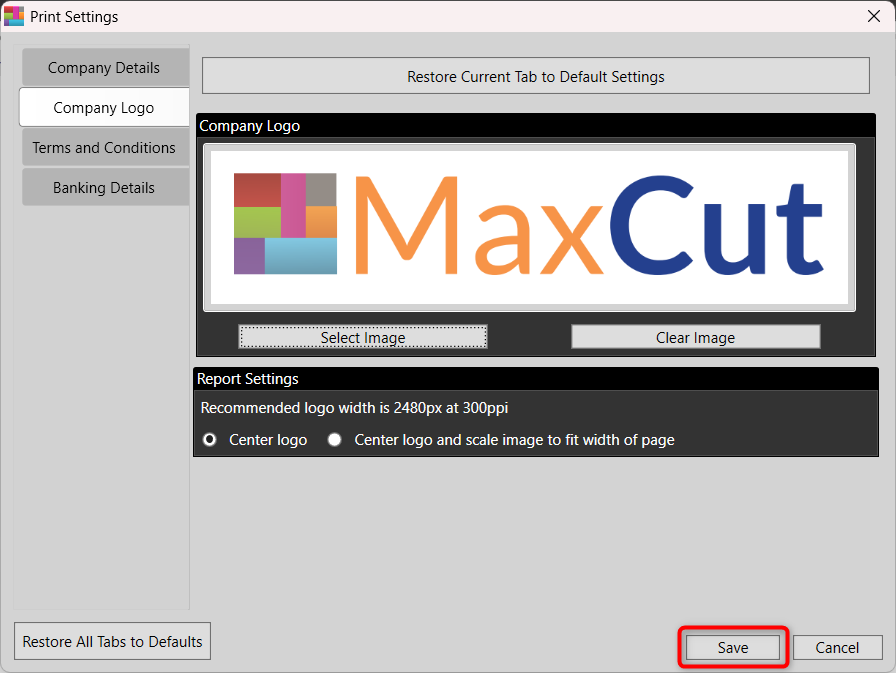
Your logo will now automatically appear on all printed reports that support it, giving your documents a professional, branded look.